Animated GIFs for your emails
Turn product photos into a GIF that plays right in the inbox.
Your first reel is free, with no watermark and no card.
Before and after
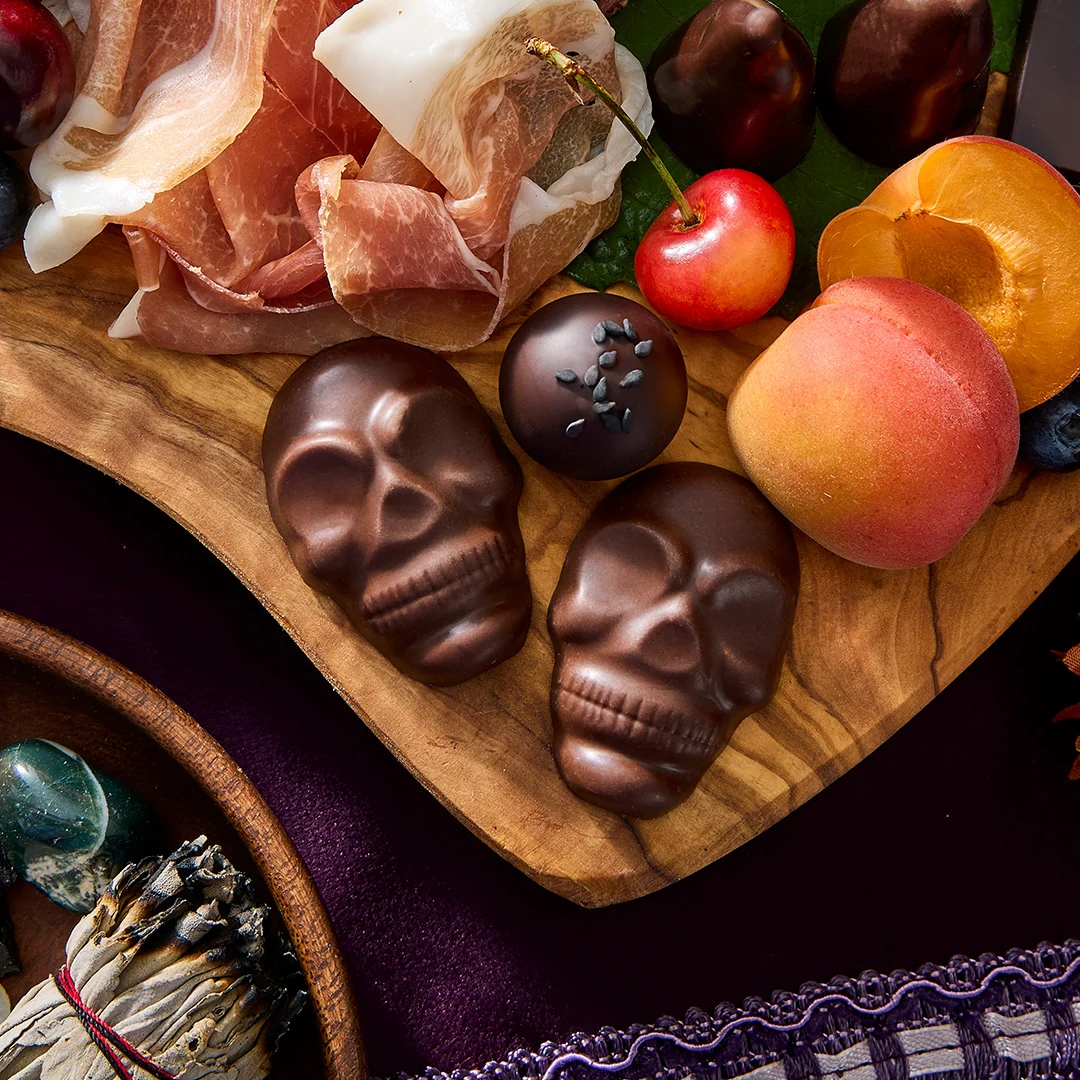
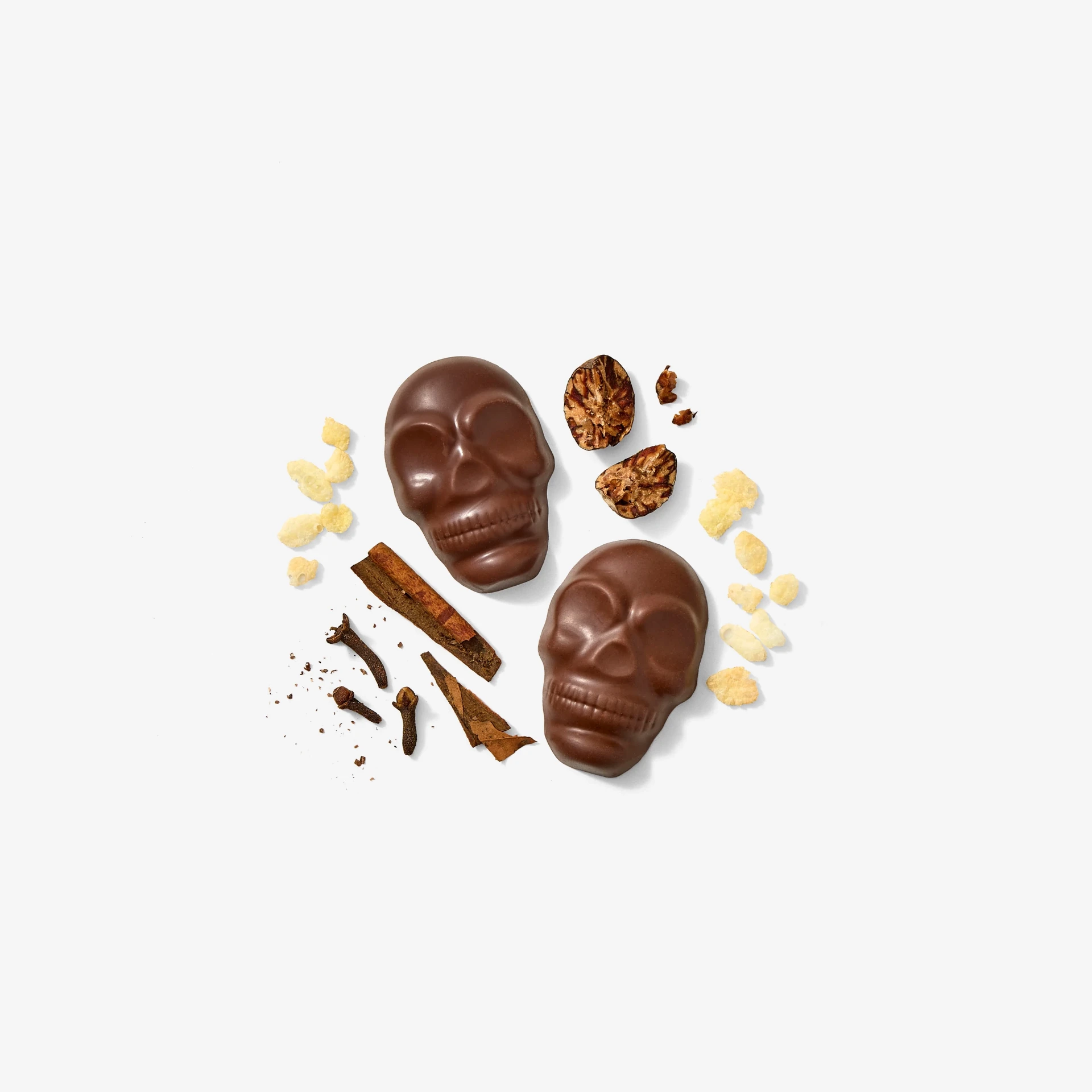
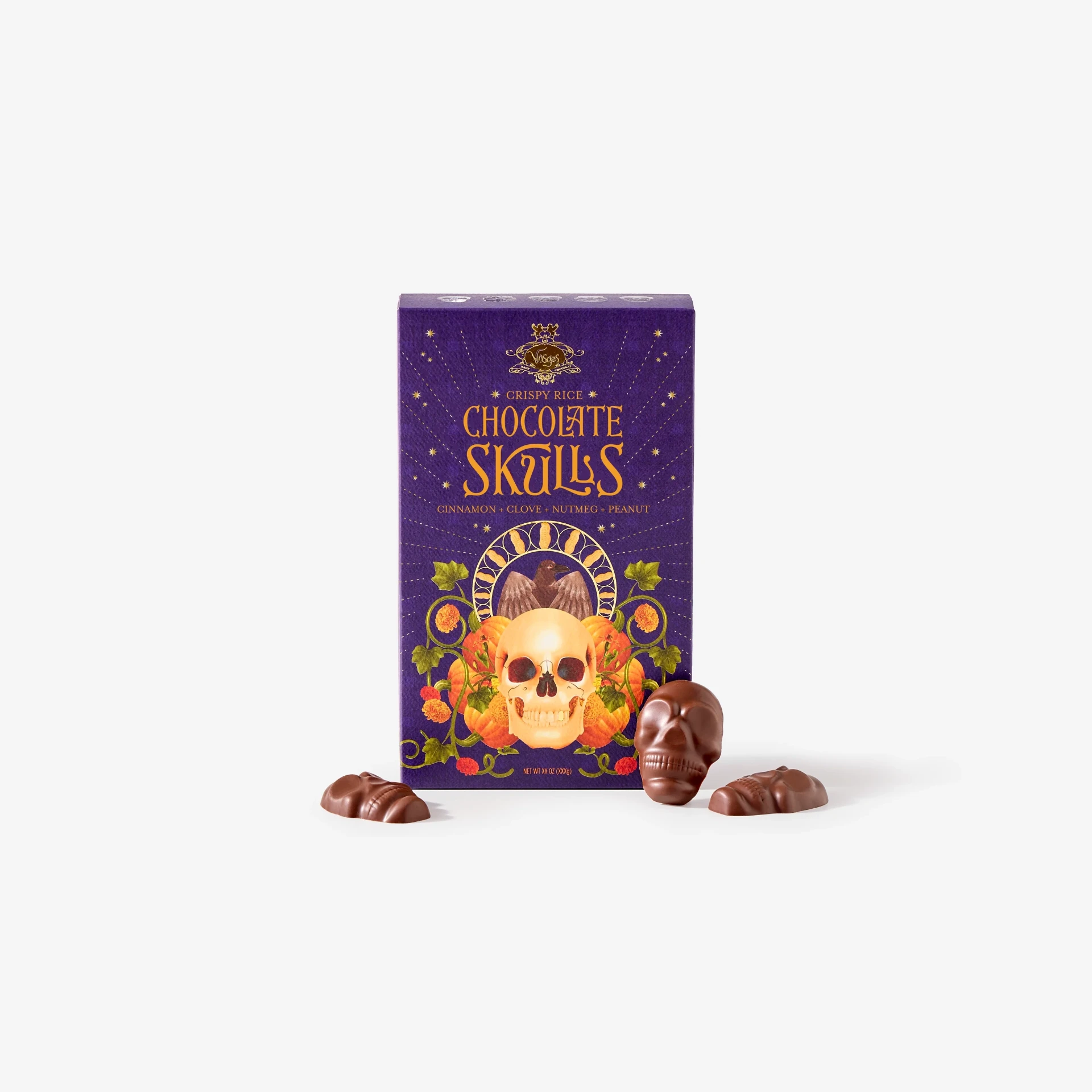
Example: Vosges Haut-Chocolat, Campaign Promo
How it works
- 1Add your photos
- 2Add your words and brand
- 3Download every size
Why it sells
Most email apps don't play video, but they do play GIFs. A little movement at the top of an email draws the eye to your product and your button.
Gravity Pants exports a GIF from the same edit as your video, so your email matches your social posts and ads.
GIF tips
- Use the Wide 5:4 or Square 1:1 size for email.
- Keep it to 3 or 4 photos so the file stays small.
- Put the most important photo first. Some email apps (like older Outlook) only show the first frame.
- Link the GIF to the same page as your button.
Questions
Will the GIF be too big for email?
Gravity Pants makes smaller GIFs by default. Fewer photos make it smaller still.
Does it work in Gmail and Apple Mail?
Yes. Both play GIFs.
Can I use the GIF on my website too?
Yes.
Is it free?
Your first export is free, with no watermark.