Product videos for your Shopify store
Connect your store, pick a product, and get a short video made from its photos.
Your first reel is free, with no watermark and no card.
Before and after
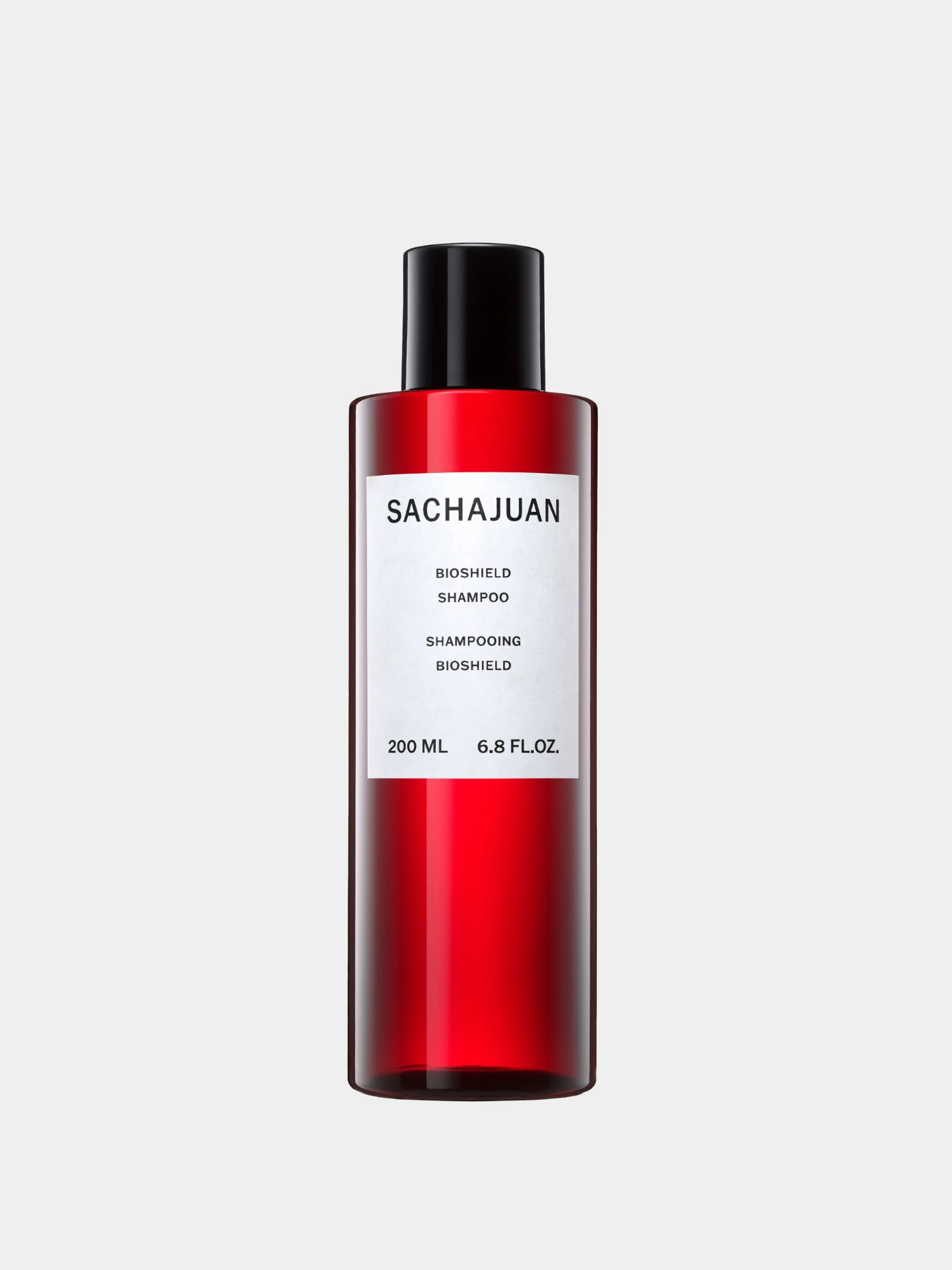
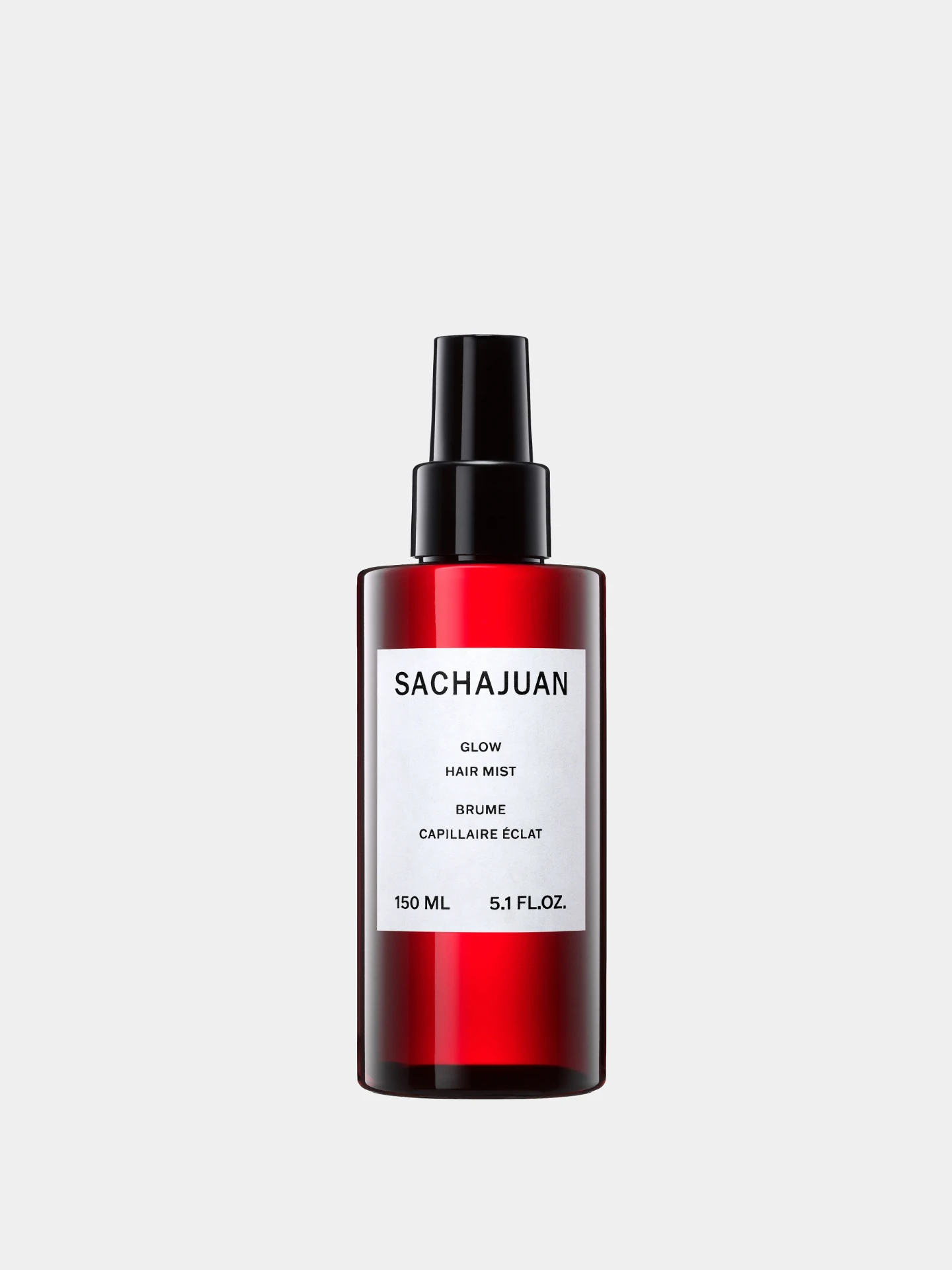

Example: Sachajuan, Bundle Offer
How it works
- 1Add your photos
- 2Add your words and brand
- 3Download every size
Why it sells
Most Shopify stores show only still photos. A short video on the product page and in your ads helps you stand out from stores selling something similar.
Because Gravity Pants connects to Shopify, you don't even have to download your photos first. Pick a product and its photos are ready to use.
How it works with Shopify
- Connect your Shopify store.
- Pick the products you want videos for.
- Add your headline and brand, then download every size.
- Add the video to your product page in Shopify, and post the other sizes to social and ads.
Questions
Can I use the photos already in my store?
Yes. Connect your store and pick a product.
Where does the video go in Shopify?
Upload the MP4 to the product's media, next to the photos.
Can I make videos for many products?
Yes. Duplicate a video and swap in new photos.
Is it free to try?
Your first reel is free, with no watermark and no card.