Turn your photos into a video
Add a few photos, type a headline, and get a finished video with your logo and colors. No editing.
Your first reel is free, with no watermark and no card.
Before and after
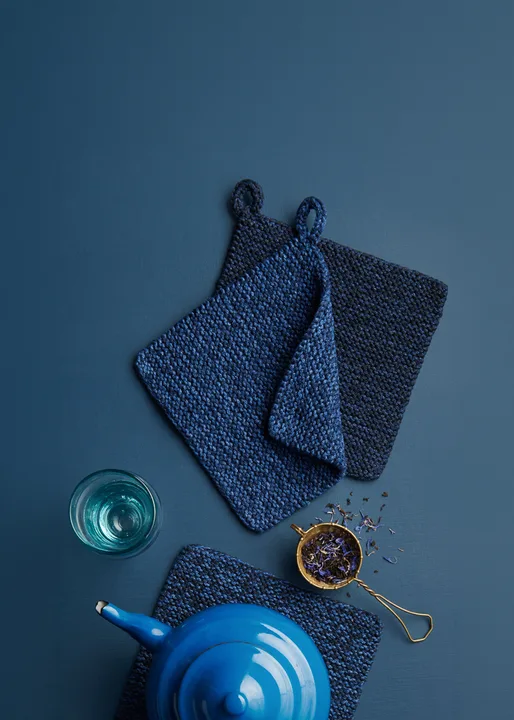
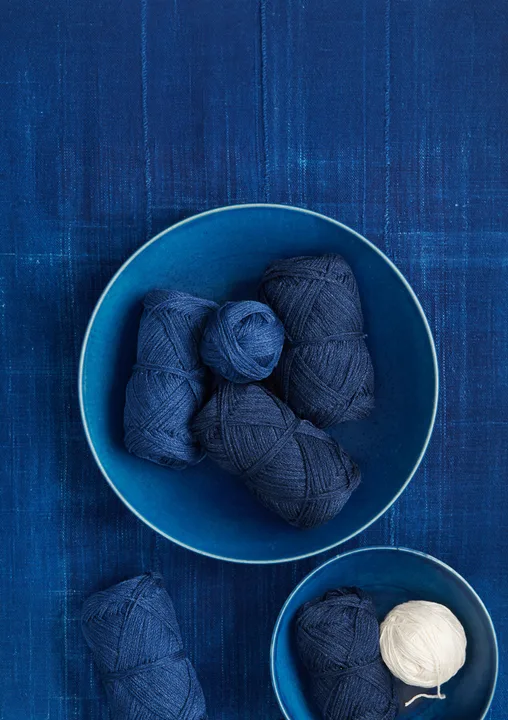
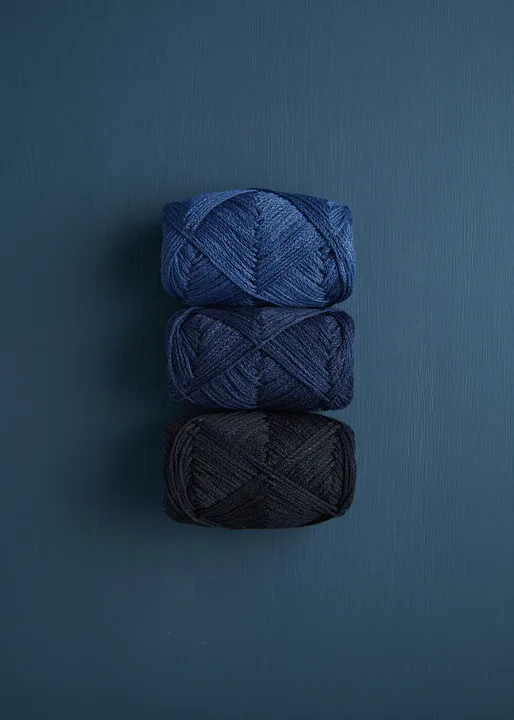
Example: Purl Soho, Launch Kit (3 photos → 7.8 sec reel)
How it works
- 1Add your photos
- 2Add your words and brand
- 3Download every size
Why it sells
People scroll past still photos. A few seconds of movement makes them stop, and a stop is the start of every sale.
You don't need a shoot or an editor. The photos you already took for your website or catalog are enough. Gravity Pants adds the movement, your words and your brand, so the video looks like it came from your team.
What photos work best
- 3 to 8 photos. Three is plenty for a first video.
- Start with the product alone, then the product in use, then a detail or the offer.
- Leave some space around the product. Your headline and logo sit there.
- Phone photos are fine.
Questions
How many photos do I need?
Three is enough. You can use up to eight.
Do I need editing skills?
No. You tap a photo, headline or logo to change it.
What do I get?
An MP4 or GIF in every size: 9:16, 4:5, 1:1, 5:4, 16:9 and custom.
Is it free?
Your first video is free, with no watermark and no card.