HTML5 ads from the photos you already have
Export your reel as an HTML5 banner: a zip with the ad and a click-through link, in your ad's main size, ready to upload.
Your first reel is free, with no watermark and no card.
Before and after
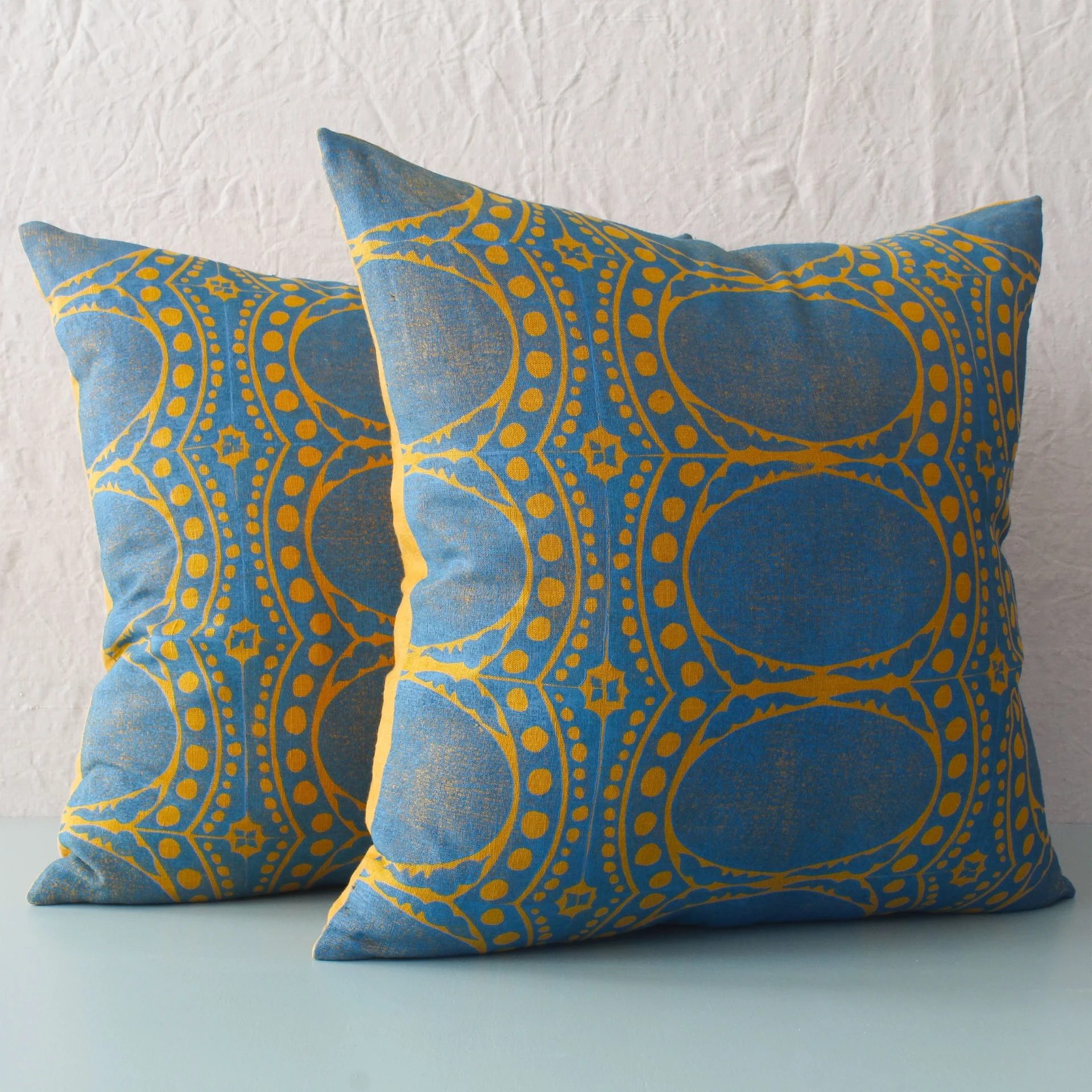
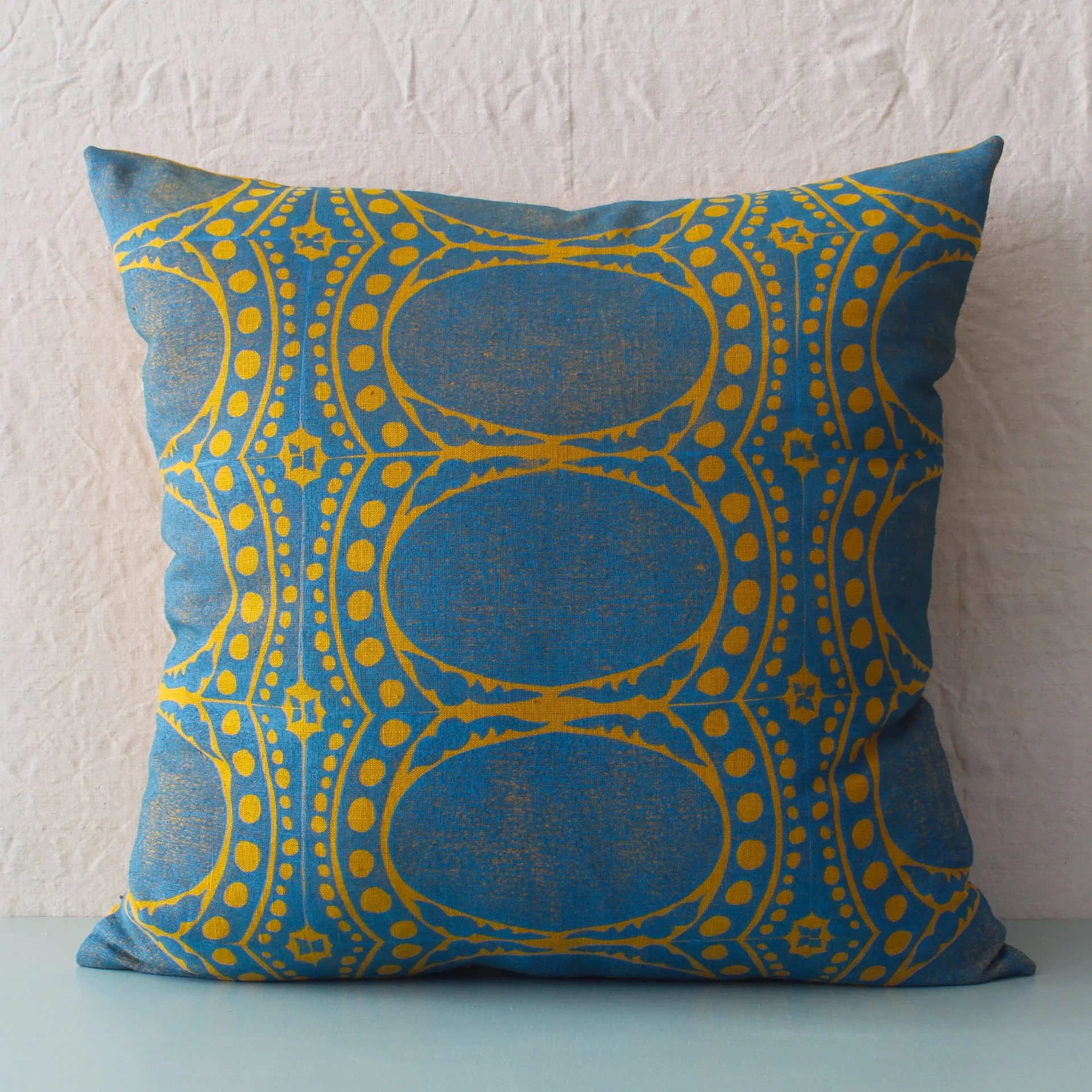

Example: Drusus Tabor, Grand Turk Pillow
How it works
- 1Add your photos
- 2Add your words and brand
- 3Download every size
Why it sells
Display ads run on millions of websites and apps, and most ad platforms ask for an HTML5 ad: a small zip with the ad inside it. That is the format they can serve and measure, and it is not held to the file size and length rules that make a GIF blurry or short.
Your reel already has everything the banner needs: the photos, the words, the logo and the movement. Gravity Pants packs it into a zip with the click-through link written in, so the same ad you post to Instagram can run as a display ad.
How to make one
- Open the ad you want to run as a banner and go to Export.
- Under Save as, turn on HTML5.
- Type the page people go to when they tap the banner. Ad platforms can replace this link when they serve the ad.
- The banner is made in your ad's main size, the shape you picked when you started the ad. Your other sizes still export as MP4 and GIF.
- Export and download the zip. Upload it to your ad platform as it is.
What is in the zip
- index.html — the banner itself, with its width and height written in the page so ad platforms can read it
- ad.js — the player that runs your ad, built from the same code as your preview
- Your photos, resized for the banner
- Your fonts, built into the page so the words look the same as your preview
- Your click-through link, written in as a click tag
Where to use it
- Display ad platforms that take an HTML5 zip, such as Display & Video 360 and Campaign Manager 360
- Ad servers and buying platforms that accept a zip of HTML, JavaScript and images
- Your own website: put the zip's files in a folder and show the banner on a page
- Sponsor and newsletter slots that accept an HTML banner instead of a GIF
Before you upload
- No sound. The banner plays without audio.
- One banner per export, in your ad's main size.
- Google Ads does not accept these yet. Its upload rules are tighter than most ad platforms. Display & Video 360 and other platforms that take a full HTML5 zip work today.
- Some platforms ask for a still backup image beside the zip. Export a GIF or use one of your photos.
- Social posts still take MP4 or GIF. Instagram, TikTok and Facebook do not run HTML5 ads in feed.
Questions
What is an HTML5 ad?
A small zip with the ad inside it: an HTML page, a JavaScript player and your images, with your fonts built in. Ad platforms serve it as a display banner and can measure views and clicks. It is the standard format for display ads on websites and apps.
How is it different from a GIF?
A GIF is one file that plays anywhere, but platforms limit its size and length, so it can turn blurry or cut short. An HTML5 ad stays sharp, carries a click-through link, and has to go to a platform that accepts it.
What size is the banner?
One HTML5 file, in your ad's main size — the shape you picked when you started the ad. Your other sizes still come out as MP4 and GIF.
Do I need to code anything?
No. Turn on HTML5 in Export and Gravity Pants makes the zip. You upload it as it is.
Does the banner link work?
Yes. The link you type is written into the ad as a click tag, the standard way ad platforms read where a click should go. Most platforms let you set or replace the link when they serve the ad.
Will it work on Google Ads?
Not yet. Google Ads asks for a much smaller file and only certain file types inside the zip, and Gravity Pants builds the banner at full quality in your ad's main size. Platforms that take a full HTML5 zip, such as Display & Video 360, work today.
Does it use another export?
No. One export is one reel, however many files it makes, so adding HTML5 to an export you already run does not use another one.
Is it free to try?
Yes. HTML5 is on every plan, including your free trial exports.